Workforce Hub helps enterprise teams build, deploy, and operate digital employees using agentic AI. Whether you start with a prebuilt agent from the marketplace or build your own, the journey follows a proven, enterprise-ready path.
You can go live in weeks - not months - with governance, integrations, and multichannel delivery included.
Choose a prebuilt agent from the marketplace and adapt it to your enterprise environment: data, policies, and channels.
Best for:
Design a role and skills tailored to your workflow, then connect tools, knowledge, and guardrails.
Best for:
This is the standard lifecycle for deploying digital employees at scale.
Define role
Connect data
Orchestrate
Deploy channels
Monitor & govern
Start by defining role and responsibilities, boundaries and escalation rules, user permissions and policies, and success metrics (KPIs). In Workforce Hub, this is done through Agent Studio and governance controls.
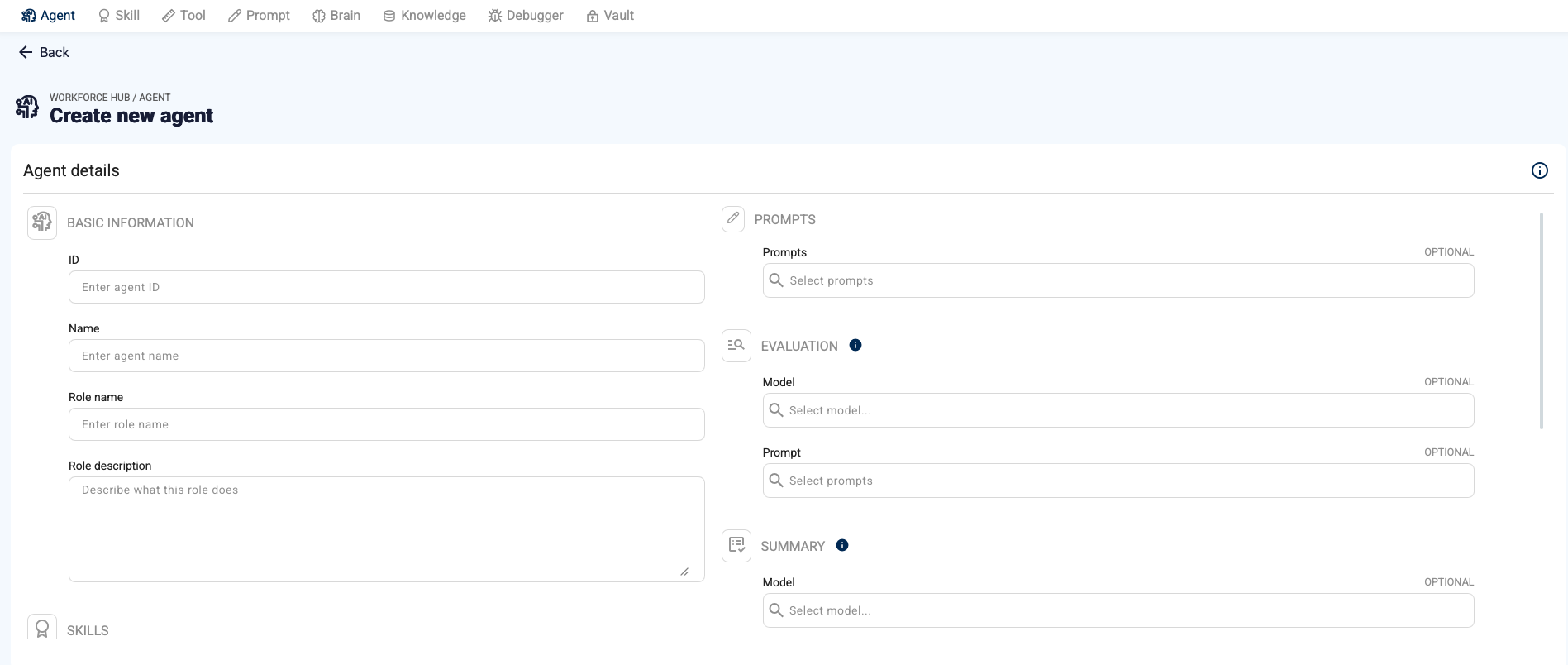
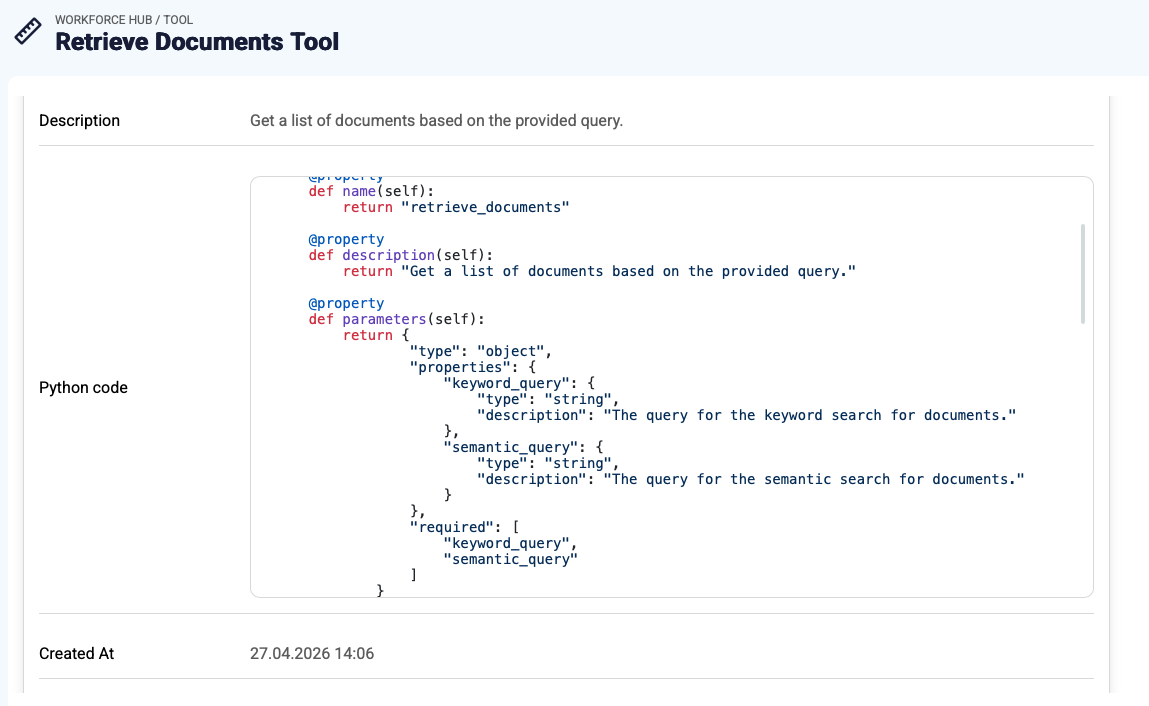
Connect the digital employee to enterprise systems (CRM, ERP, core systems, ticketing), enterprise knowledge (documents, portals, KBs), governed tools via Tool Gateway, and RAG Engine for grounded retrieval.
Most enterprise automation requires structured execution. Use Automation Studio to orchestrate multi-step workflows, embed approvals and human-in-the-loop steps, handle exceptions and escalation, and reuse templates across teams.
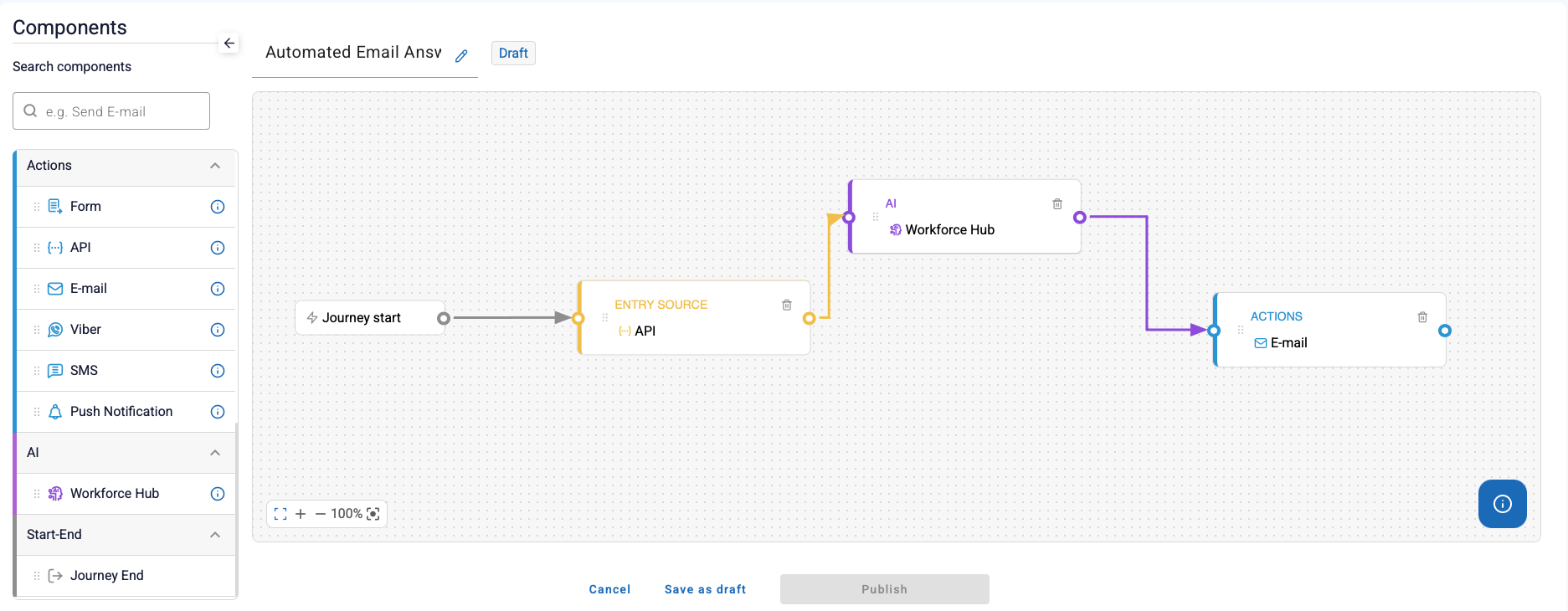
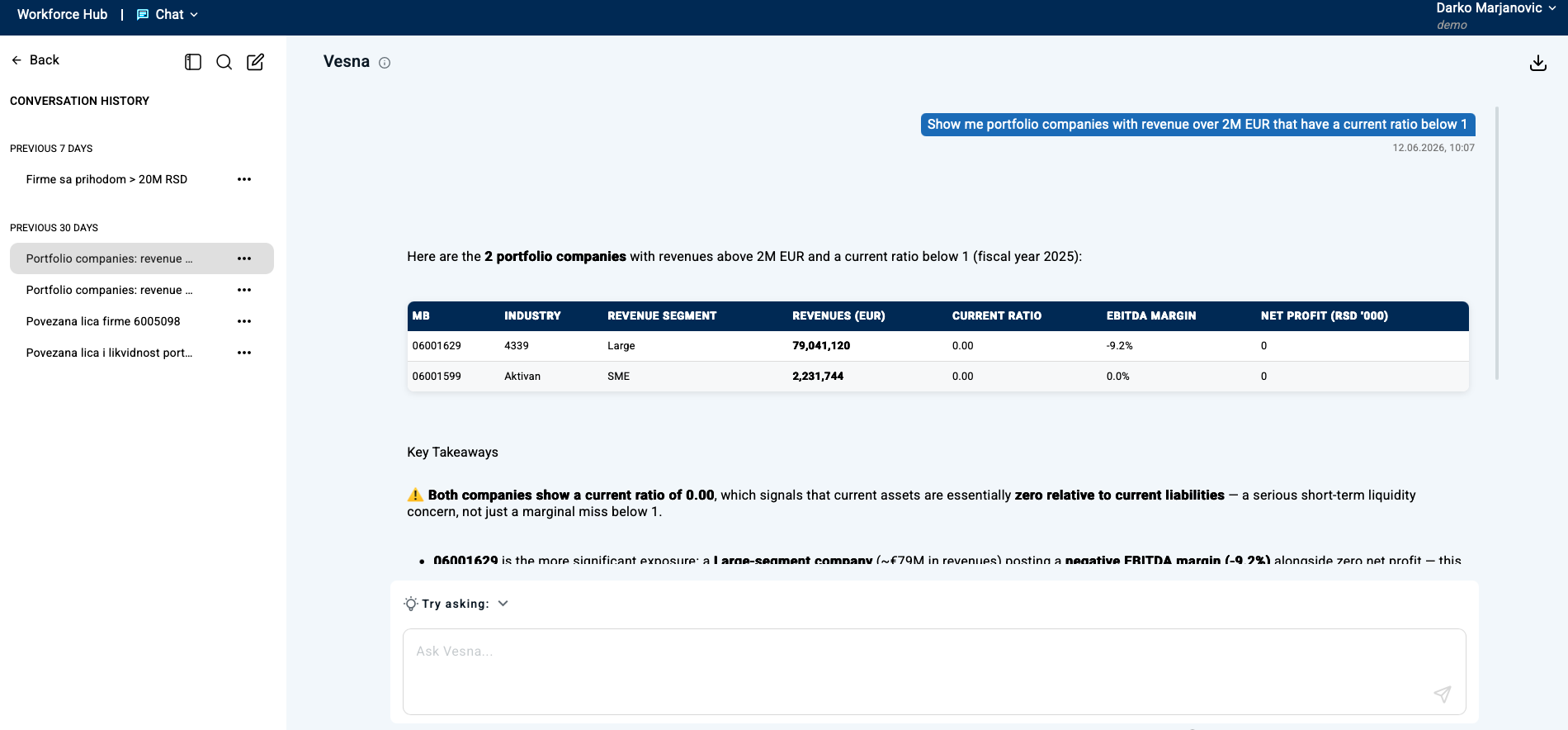
Deploy once and publish across channels: web chat apps, widgets, Microsoft Teams, Viber, mobile, Query API, backoffice handoff, and contact center integrations.
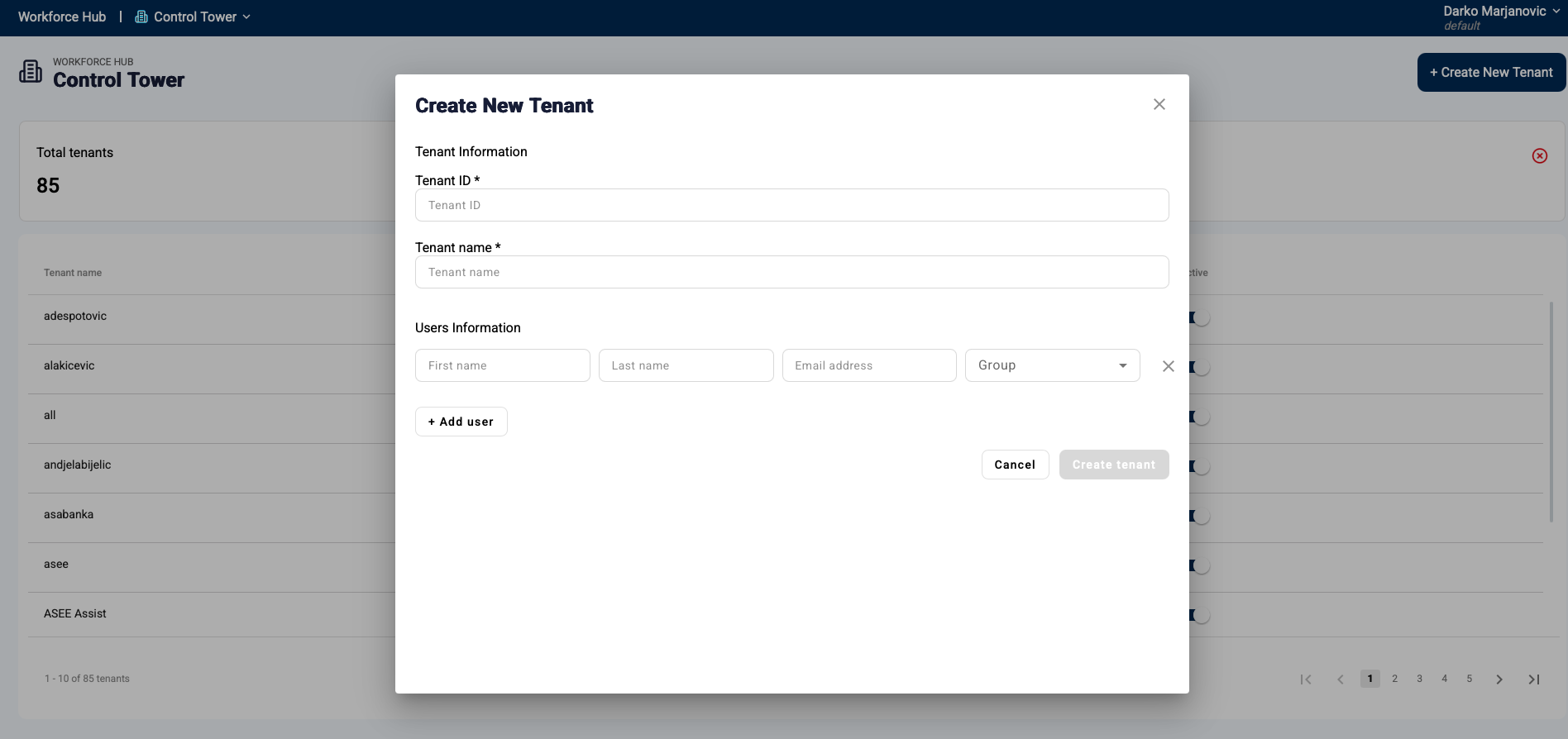
Enterprise operations require visibility and control. Workforce Hub provides Control Tower (SSO, RBAC/ABAC, tenant management, audit logs) and HQ Insights (chat history, sentiment, topic analysis, dashboards).
A practical timeline for most enterprises
PHASE 1
Discovery + prototype
Define the role, policies, and success metrics. Build the first version with one data source.
PHASE 2
Integrations + pilot
Connect key systems and run a controlled pilot with real users.
PHASE 3
Rollout + optimization
Expand to more users, channels, and workflows. Optimize based on insights and performance.
Workforce Hub is designed for enterprise adoption
Avoid lock-in with support for multiple LLM providers
Cloud, private cloud, on-prem, or hybrid deployment
Tool Gateway ensures secure API integration and access control
RAG Engine provides standardized, grounded retrieval
Enterprise Edition supports BPMN orchestration via ASEE Flow
Governance and observability built-in from day one
Start with a pilot, explore the marketplace, or talk to our team about your enterprise requirements. Most teams go live in 4–8 weeks.
Most enterprise pilots can go live within 4–8 weeks depending on integrations and governance requirements.
Yes. Many teams start with a marketplace agent and adapt it to enterprise systems, policies, and channels.
For enterprise operations, workflows are strongly recommended to ensure predictable execution, approvals, and auditability.
Yes. Workforce Hub supports cloud, private cloud, and on-prem deployments depending on requirements.