Build digital employees that do more than chat. Workforce Hub combines visual design, enterprise integrations, and governance controls to help teams build AI agents that execute workflows, use tools, and operate safely across channels.
Workforce Hub is model-agnostic and deployment-flexible: run on cloud, private cloud, or on-prem, with governance, auditability, and full control.
A digital employee is an AI agent packaged as a role, with everything required to operate in enterprise environments:
Responsibilities and outcomes
Context-aware tasks and workflows
Company data, documents, CRM, policies
Model layer and reasoning configuration
APIs and connectors for real execution
Governance, approvals, PII controls, auditability
Web, mobile, Viber, Teams, APIs
Workforce Hub provides dedicated studios that work together to build, test, and operate digital employees:
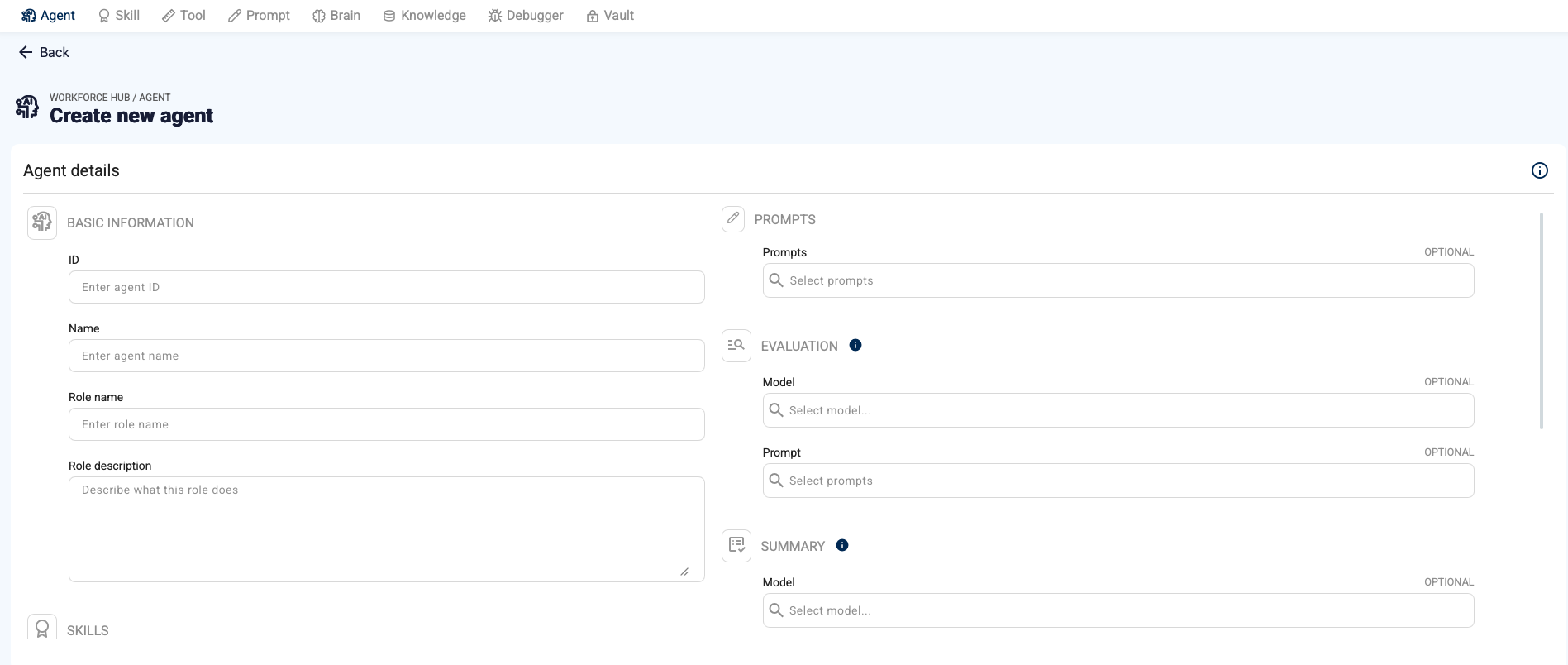
Design the digital employee role
Agent Studio lets you define responsibilities, scope, tone, guardrails, and role-level configuration. Start from a proven template or define a custom role to match your business process.
What it enables:
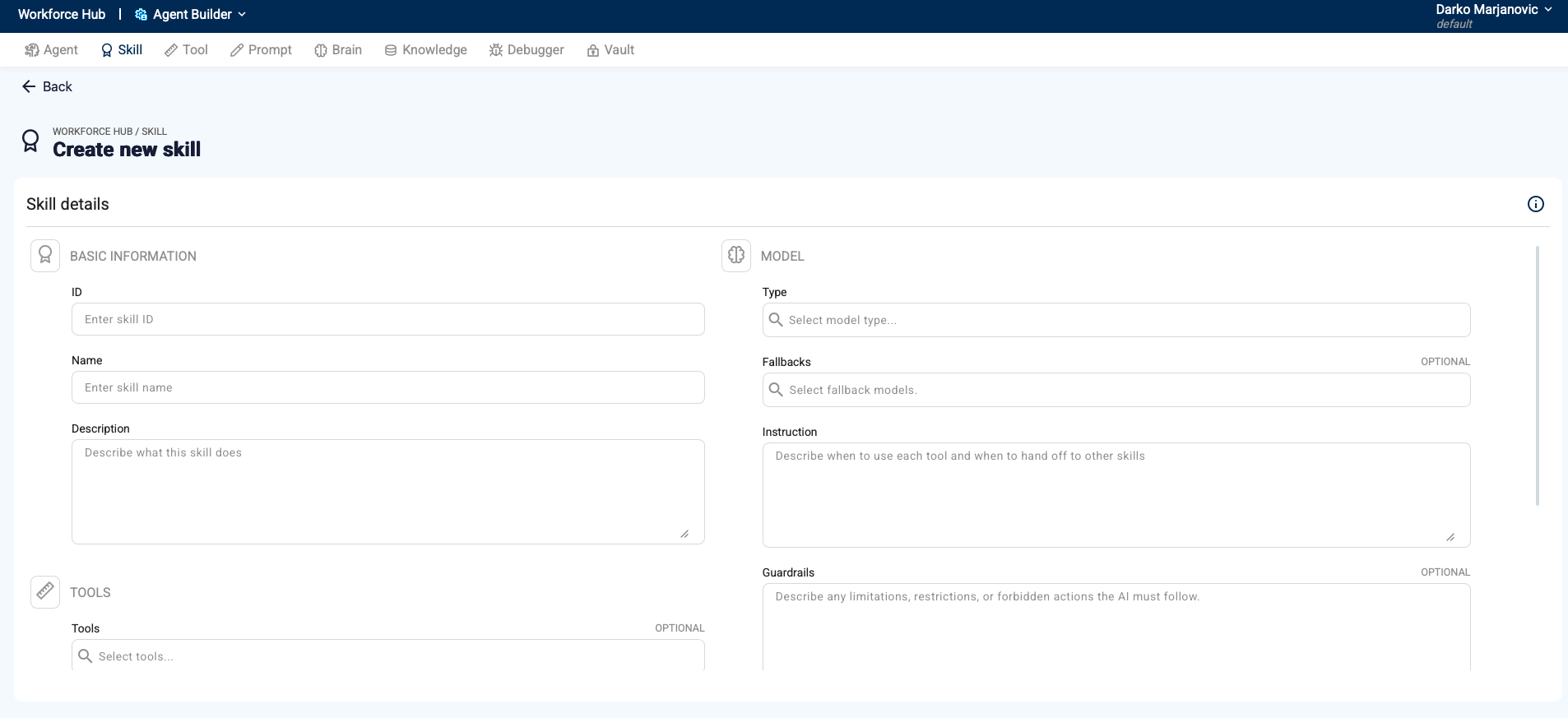
Turn business intent into reusable skills
Skills represent context-aware tasks that can combine knowledge retrieval and actions. Skill Studio enables teams to define what the agent can do and how it executes work.
What it enables:
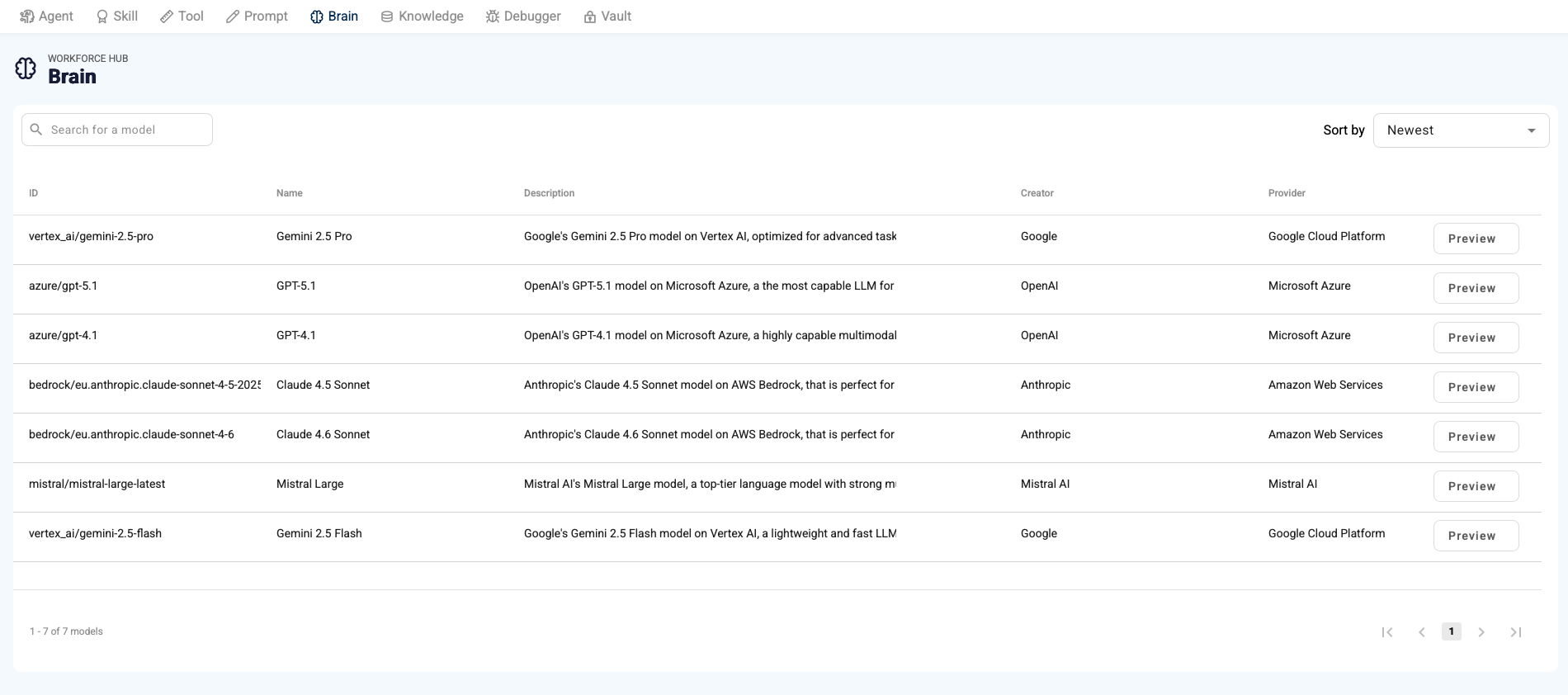
Configure the "brain" behind the digital employee
Brain Studio manages model selection, routing, and reasoning behavior. Workforce Hub is model-agnostic and supports enterprise patterns such as fallback, policy routing, and cost/performance controls.
What it enables:
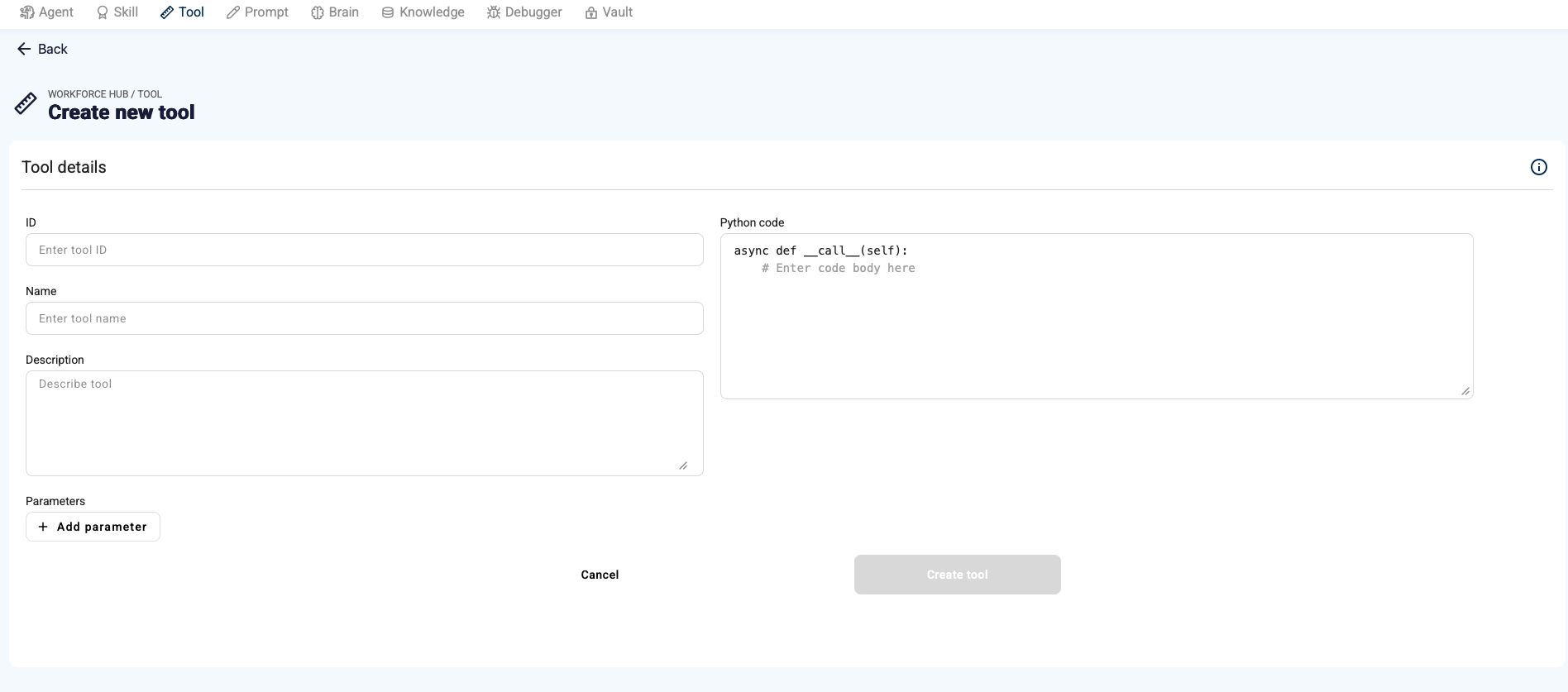
Give agents the tools to execute work
Tools Studio is the registry for APIs and connectors. This is what transforms an agent from conversation to execution: retrieve data, create tickets, update CRM, trigger workflows, and act on enterprise systems.
What it enables:
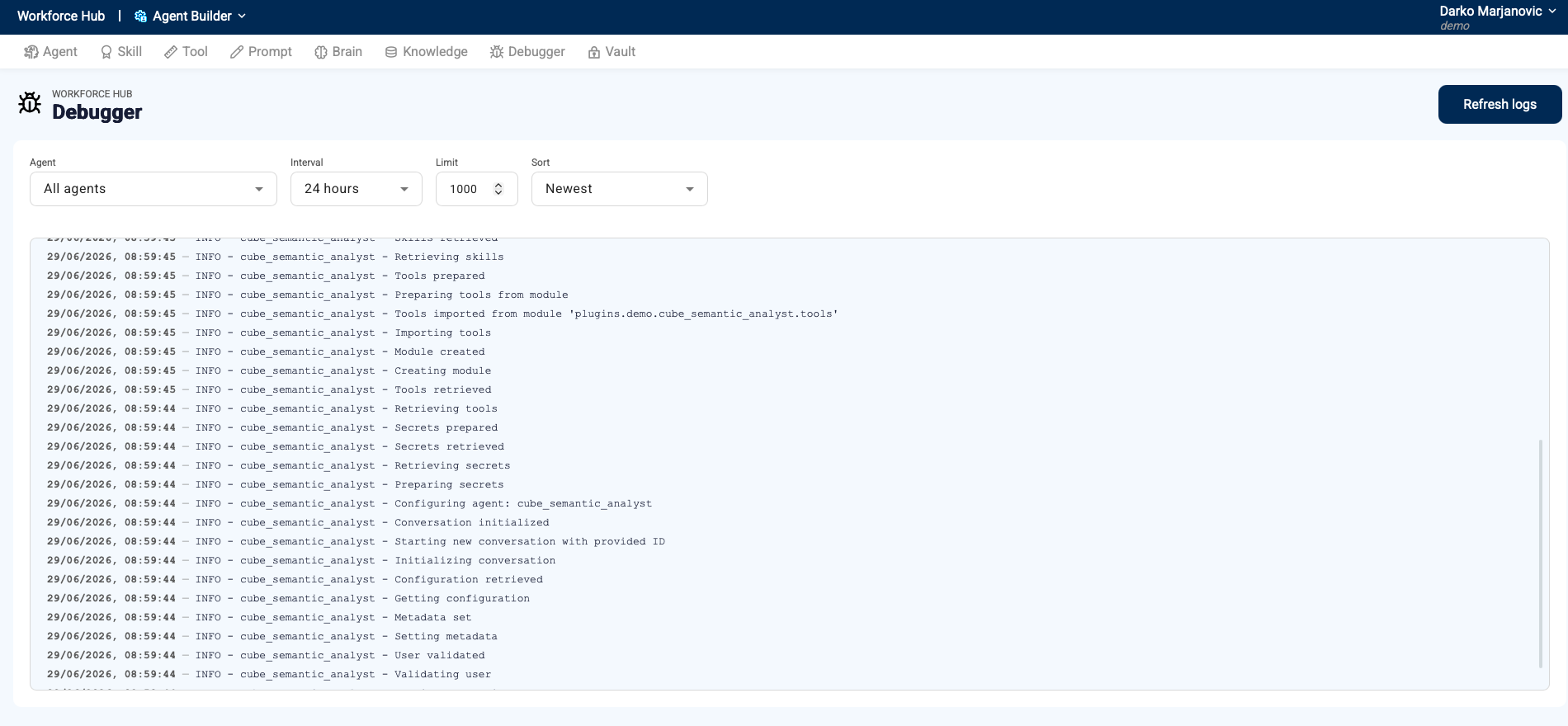
Test, trace, and improve before you scale
Debug Studio helps teams evaluate behavior, detect issues, and iterate safely. Enterprise AI requires visibility into decisions and actions-especially for regulated workflows.
What it enables:
Enterprise agents must operate under clear controls. Workforce Hub guardrails ensure digital employees act responsibly and comply with policies.
Guardrails include:
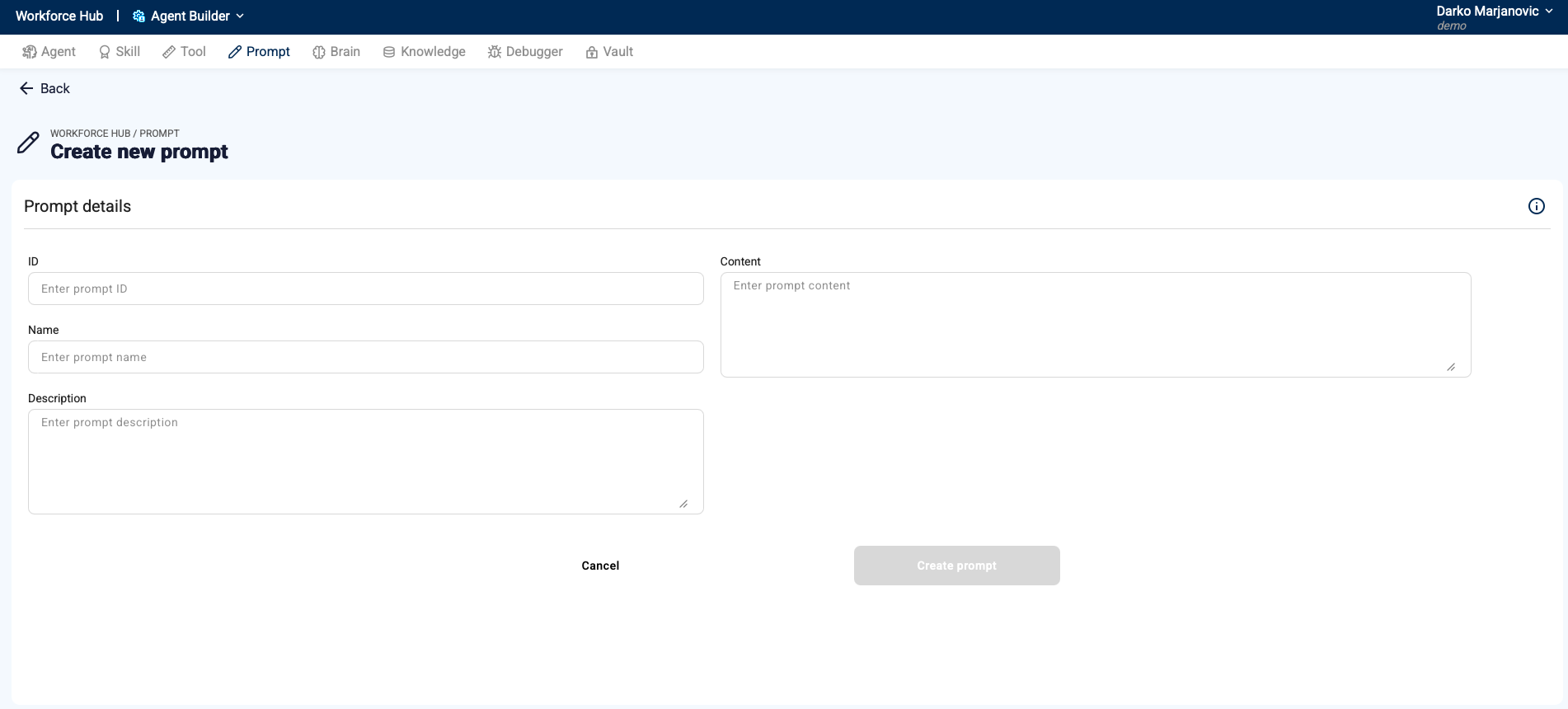
Workforce Hub includes guided prompts and prompt templates to accelerate adoption and reduce prompt quality issues across teams.
What it enables:
See a digital employee come together in Workforce Hub - role and guardrails, skills and knowledge, tools and channels - and how it executes real work once deployed.
Chatbots answer questions. Agents execute tasks using tools and workflows with enterprise governance.
Learn moreYes. Workforce Hub supports cloud, private cloud, and on-prem deployments.
Learn moreYes. Workforce Hub is model-agnostic and supports multiple model providers and open-source model serving patterns.
Workforce Hub includes RBAC, approvals, audit logs, PII controls, and human-in-the-loop mechanisms for regulated workflows.
You can launch quickly using a prebuilt digital employee from the marketplace, or design a custom agent tailored to your workflows.
Request Architecture Review →